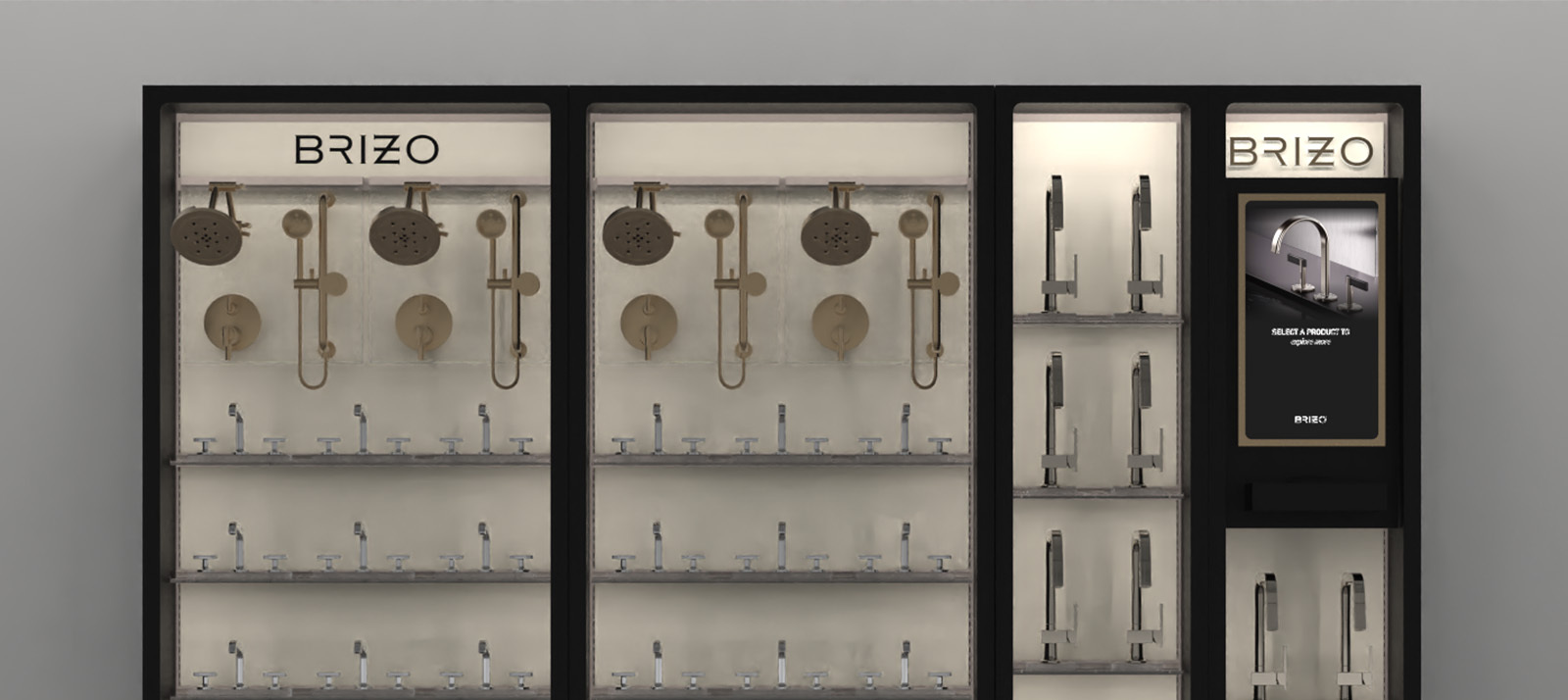
Welcome to your comprehensive resource for transforming showrooms with cutting-edge RFID technology. This innovative tool set makes it easier than ever to explore product collections, learn about features, and inspire customers with real-time specifications and details. Designed for ease of use, the Place & Learn system empowers builder showroom associates to create memorable, interactive experiences for their guests.
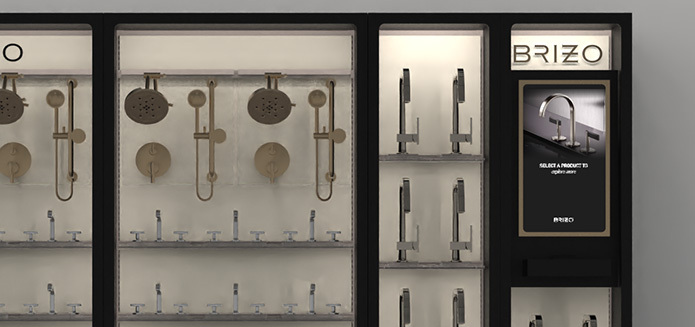
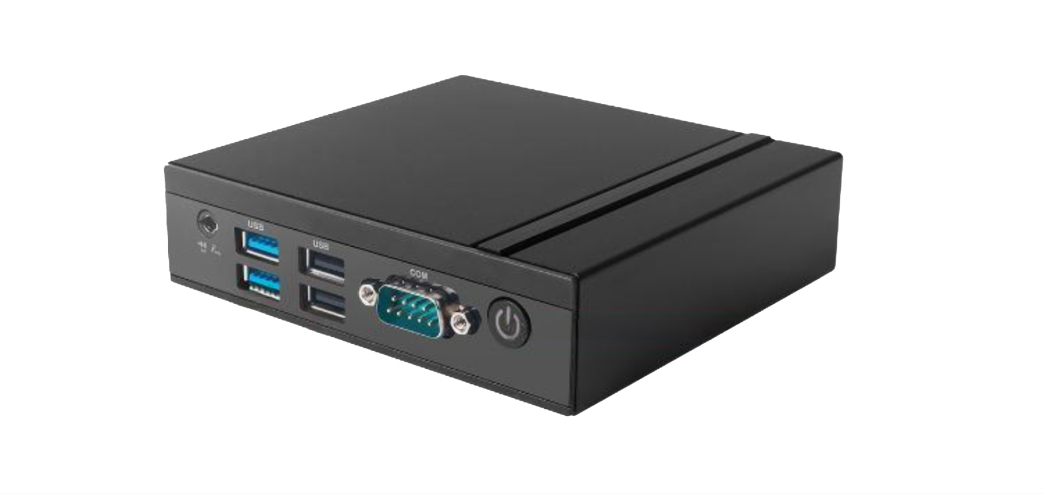
The Place & Learn system leverages RFID technology to create an interactive, user-friendly builder showroom experience. Consisting of a 32” touchscreen, media player, and RFID sensors, tags and antennas, customers are able to explore collections with a simple tap.
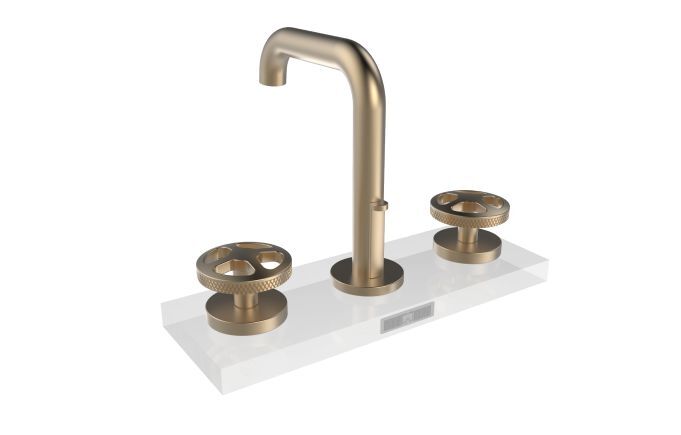
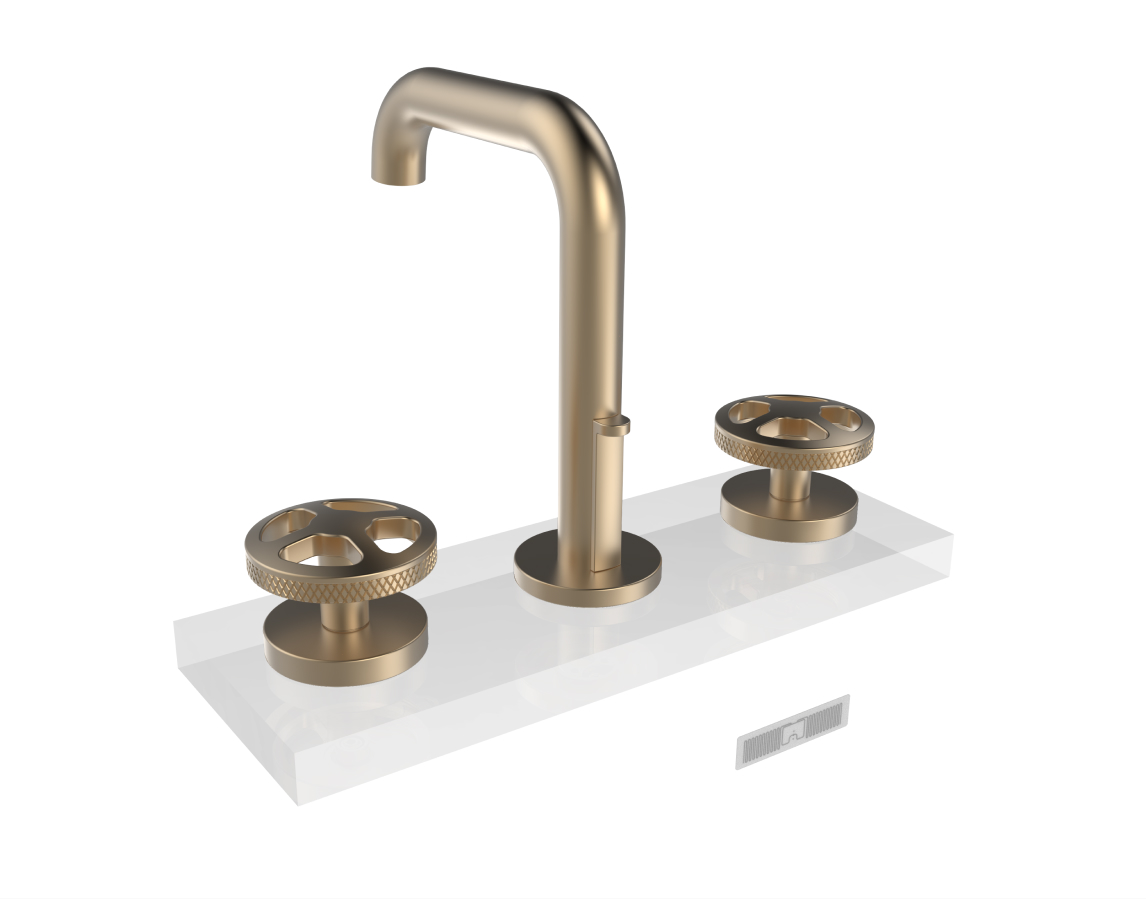
Each lavatory faucet features an RFID tag that identifies the fixtures and tells the system what content to display. Only slabbed products feature RFID tags at this time.
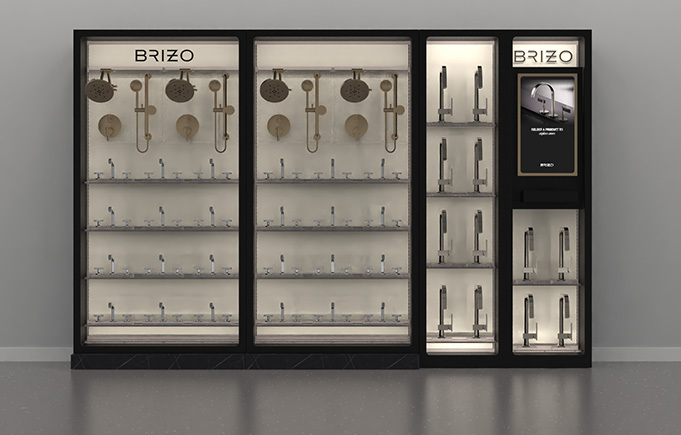
Two RFID antennas are mounted underneath the acrylic panel on the shelf. These are what “read” the RFID tags placed on the acrylic fixture stands and what changes the content on the touchscreen. Position any RFID-tagged lavatory faucet on the shelf to activate the display.
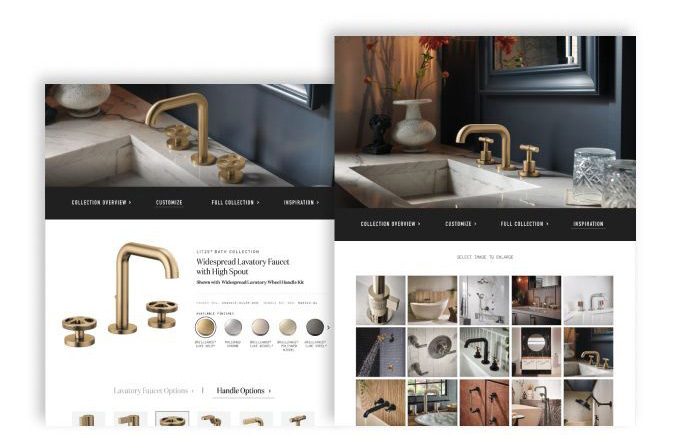
The system highlights collection-level information, allowing users and builder associates to navigate through styles, finishes, and complementary fixtures.
The display activates when an RFID-tagged product is placed on the shelf. Users can navigate effortlessly via the touchscreen.
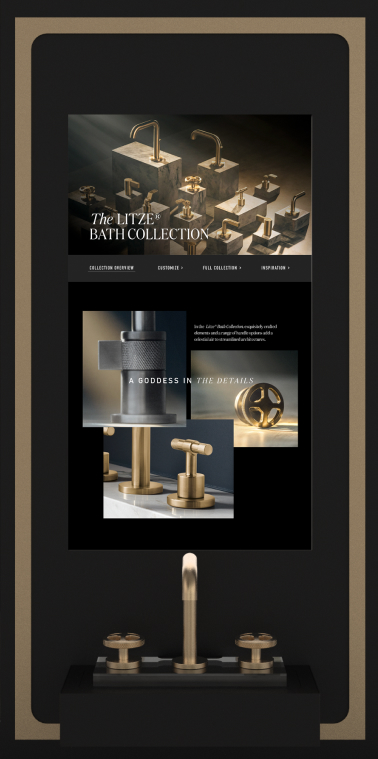
Featuring stunning, up-close photography — and narratives detailing each collection’s inspiration and exuberance — users see a top-level view of different Brizo product lines.
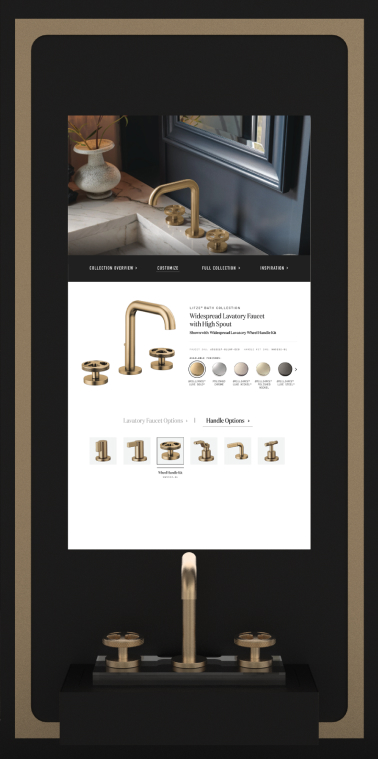
Unique, tailored components of each fixture — such as finishes and handle options — can be selected by users here.
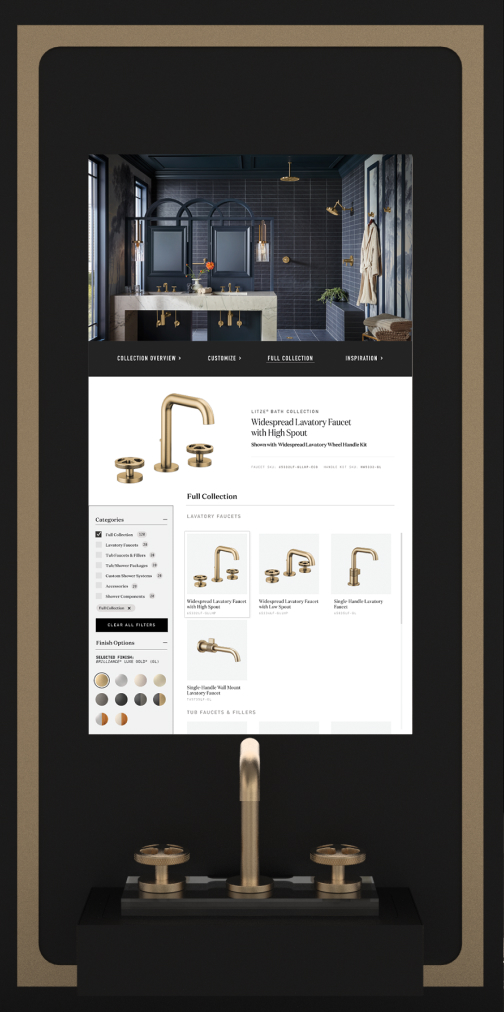
Users can view each SKU contained in each collection — sorted by sink faucets, tub fillers, showers, and more. Once an item is selected, all available finishes are viewable.
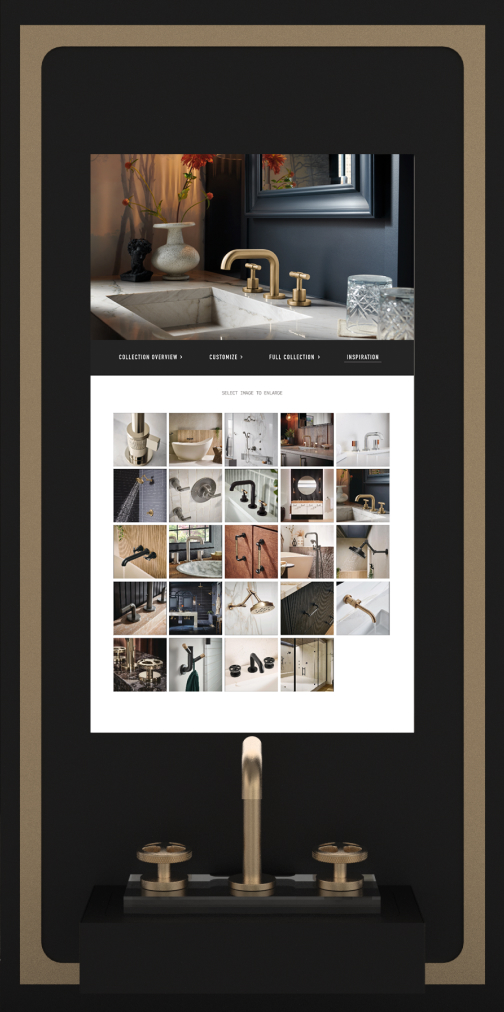
The inspiration gallery shows the collection photography in context. A tap on any of the images enables a larger, more detailed view to inform their own design decisions.
The Brizo Place & Learn Experience is a self-contained system, requiring no external network connection. Once the system is powered on, the Brizo attract loop will load and the system is ready to use. All lav SKUs will receive RFID Tags during installation.
If the experience does not work as expected, follow these steps:
RFID tags play a critical role in powering the Place & Learn experience. Each tag identifies a product, enabling seamless interaction and information sharing with just a touch.